The Hidden Cost of a Bad Thumbnail: Why Your Videos Deserve Better
The Hidden Cost of a Bad Thumbnail: Why Your Videos Deserve Better
You've poured your heart, soul, and countless hours into creating a compelling YouTube video. The script is polished, the visuals are stunning, and the message is clear. You hit publish, full of hope, only to watch your view count trickle in like a leaky faucet.
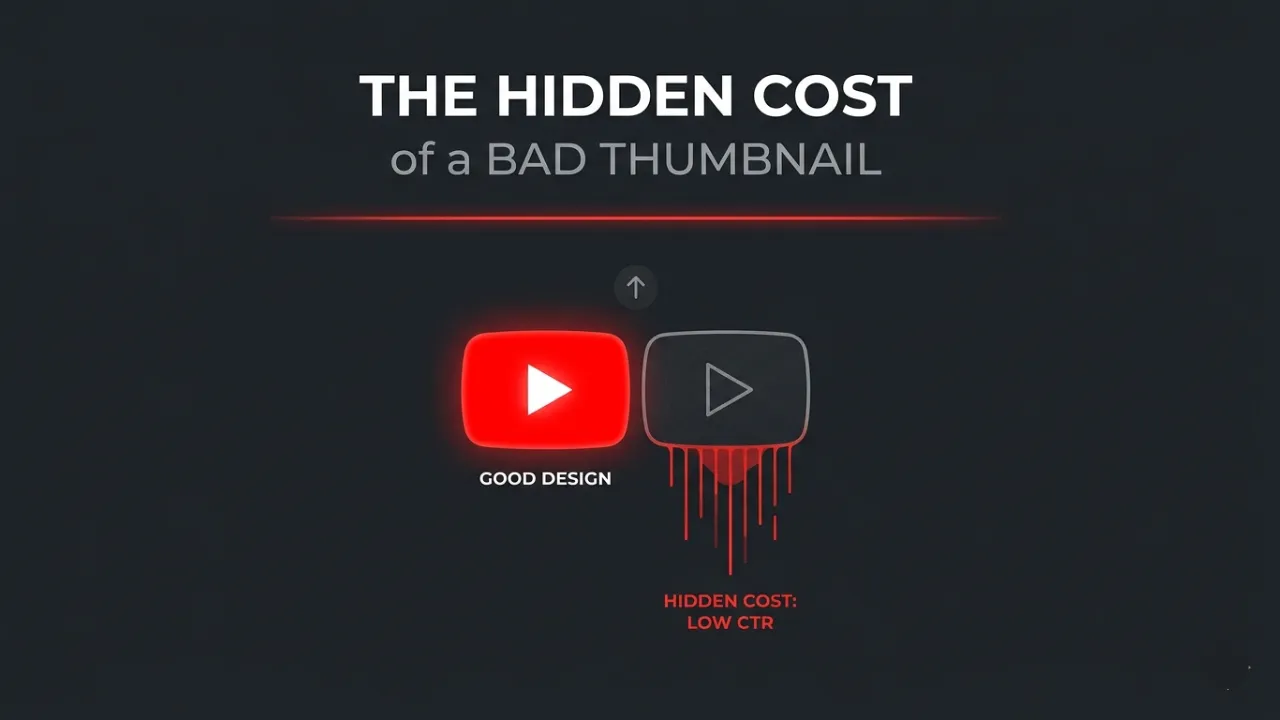
Sound familiar? The painful truth is that often, your incredible content isn't the problem. The gatekeeper to those views – your thumbnail – is silently sabotaging your efforts. A bad thumbnail isn't just a missed opportunity; it's a hidden cost that compounds over time.
The "Invisible" Math of Low CTR
Many creators sit at a 3% CTR and think, "It could be worse." But let's look at the compounding debt.
If YouTube gives you 100,000 impressions:
- At 3% CTR: You get 3,000 views.
- At 6% CTR: You get 6,000 views.
By ignoring thumbnail optimization, you didn't just "lose some views"—you paid a 100% tax on your growth. Over 10 videos, that's 30,000 potential fans you never met.
The Algorithm's Negative Feedback Loop
When your CTR is low, the algorithm (specifically the _Candidate Generation_ system) assumes the video is irrelevant. It stops serving it to "lookalike audiences," effectively killing the video's long-term shelf life within the first 48 hours.
2026 Strategy: Avoiding "Thumbnail Fatigue"
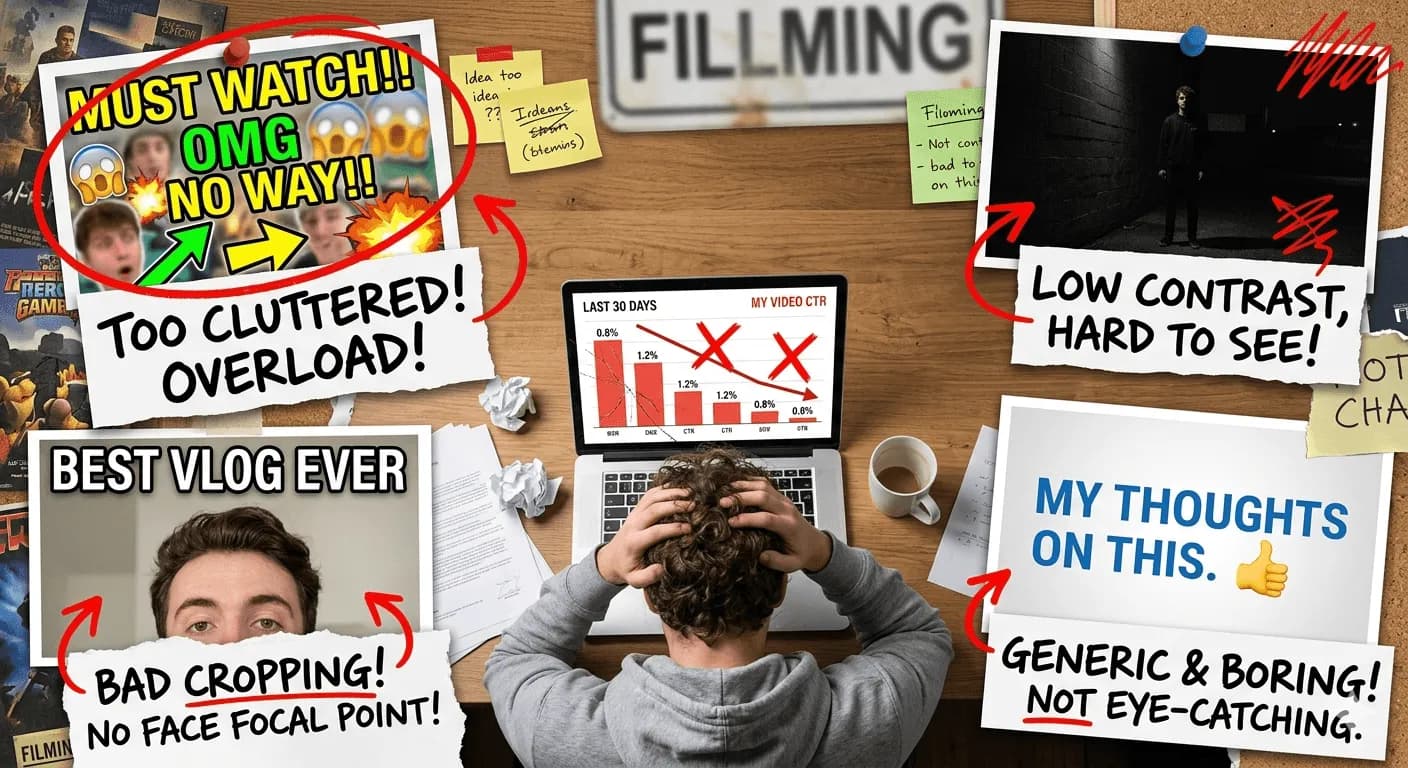
In 2026, the "MrBeast-style" face with a shocked mouth is starting to suffer from viewer fatigue. Users are becoming blind to over-saturated, chaotic designs. To stand out now, you need to understand Cognitive Load.
The "Split-Second" Scan Rule
Your thumbnail must pass the 0.5-second test. If a viewer cannot identify the "conflict" or "payoff" of your video in half a second while scrolling on a mobile device, they will skip it.
Pro Tip: Use high-contrast "Color Anchors." If the YouTube UI is white/dark grey, avoid using those colors as your primary background. Use vibrant teals or deep purples to "break" the visual flow of the feed.
Contextual Previewing (The Secret Weapon)
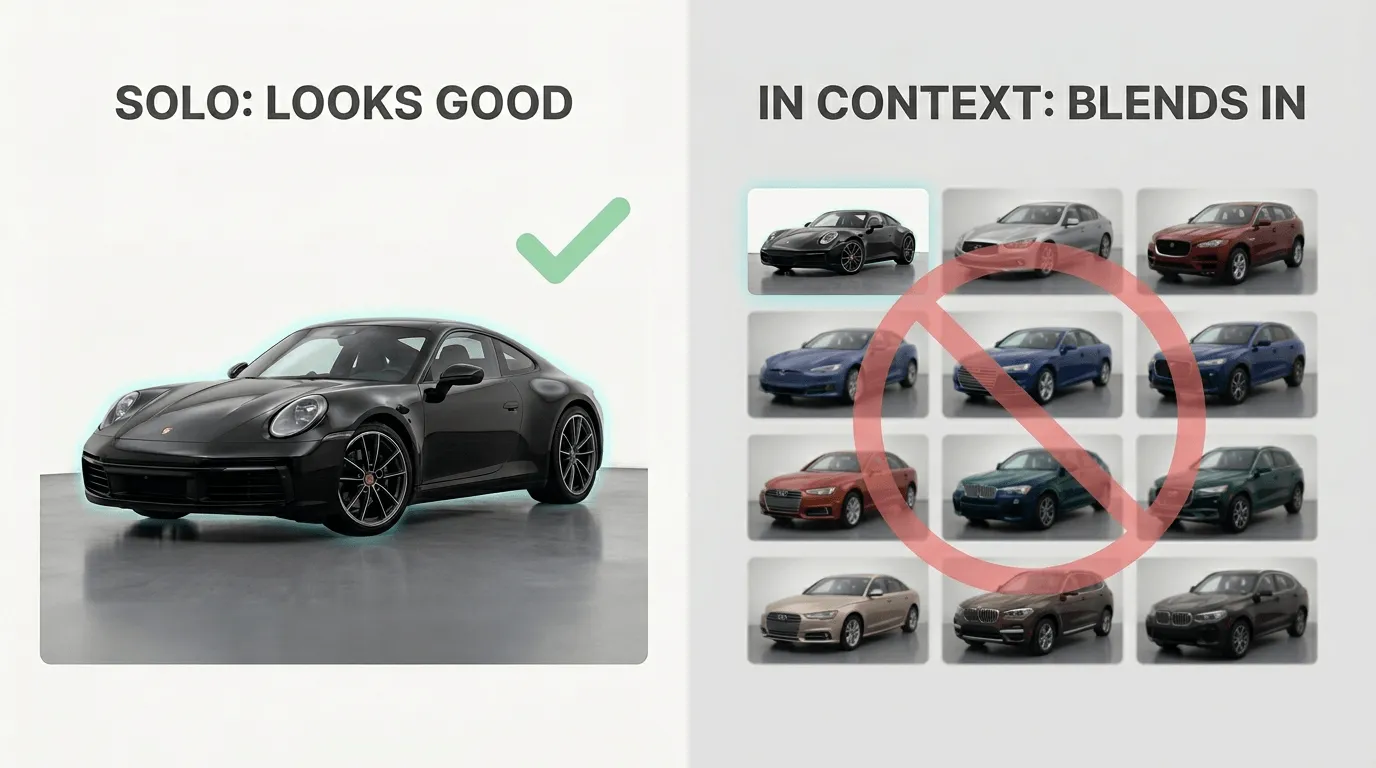
The biggest mistake is designing in a vacuum. A thumbnail that looks great in Photoshop might look like a blurry mess next to a high-budget competitor.
You need to see your design in situ. This means testing how it sits between other videos. Does it disappear? Does the red play button overlay cover your most important text?
Common Thumbnail Sins (and Why You're Probably Making Them)
- The "Everything is Important" Trap: If you have 4 lines of text and 3 subjects, nothing is important. Focus on one focal point.
- Ignoring the "Safe Zones": Many creators place crucial elements in the bottom right corner, which gets covered by the video timestamp.
- Designing for Desktop: 80% of your views likely come from mobile. If your text isn't legible at 150px width, delete it.
From Gut Feeling to Data-Driven Design
Smart creators have moved away from "I think this looks cool" to "I know this will convert." This is where proactive optimization comes in.
Instead of waiting for YouTube's "Test & Compare" feature to tell you a thumbnail failed after 2 days, you should validate your assets _before_ the launch.
Why YouThumb Tester Changes the Game
Tools like [YouThumb.online](https://youthumb.online) allow you to simulate the actual YouTube feed experience. By uploading your design before you publish, you can:
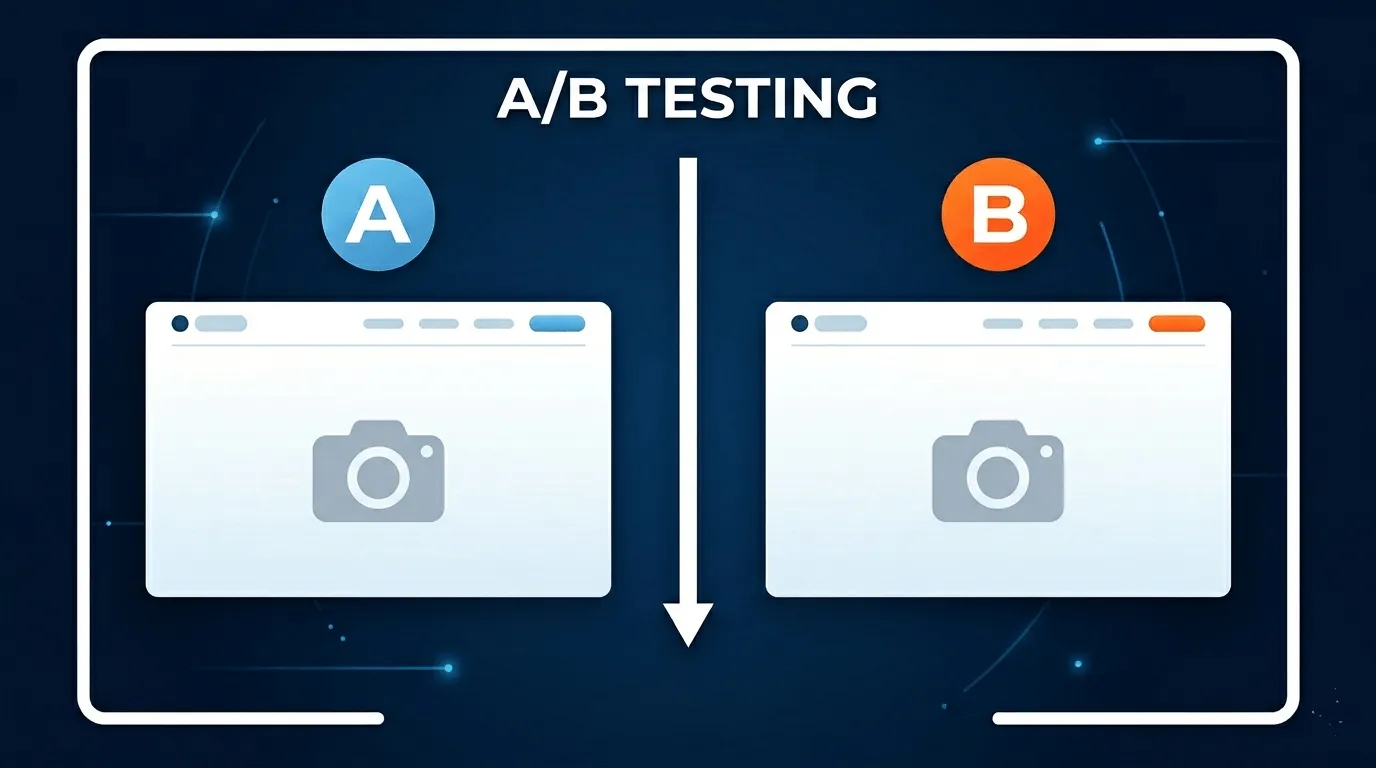
- A/B Test visually against top-ranking videos in your niche.
- Identify if your focal point is being drowned out by the UI elements.
- Fix contrast issues that only appear at small scales.
Ready to Test Your Thumbnails?
Preview and test your YouTube thumbnails before publishing with the YouThumb Chrome extension.
Add to Chrome for free